
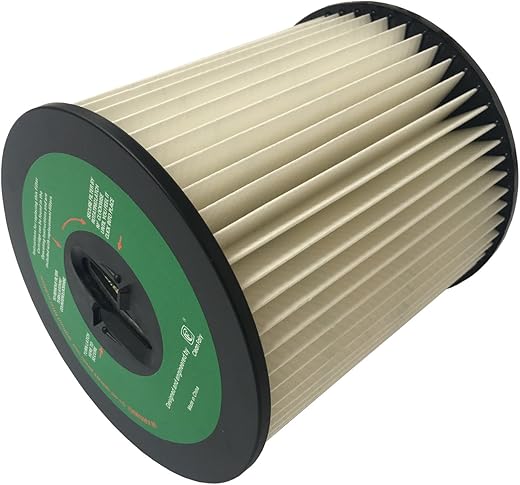
In this step-by-step guide, “How to Clean a HEPA Filter in a Vacuum Cleaner,” we will walk you through the essential process of maintaining your vacuum cleaner’s HEPA filter. Regular cleaning of this vital component not only enhances the performance of your vacuum but also contributes to better air quality in your home. With clear instructions and helpful tips, you’ll learn how to effectively clean your HEPA filter, ensuring it continues to capture allergens and dust efficiently while prolonging its lifespan. Let’s get started on keeping your vacuum in top shape!
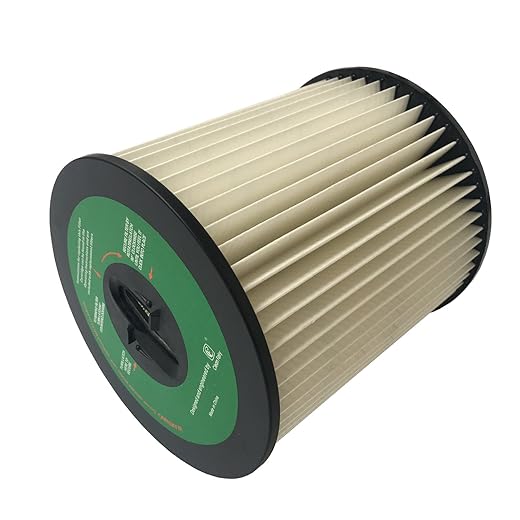
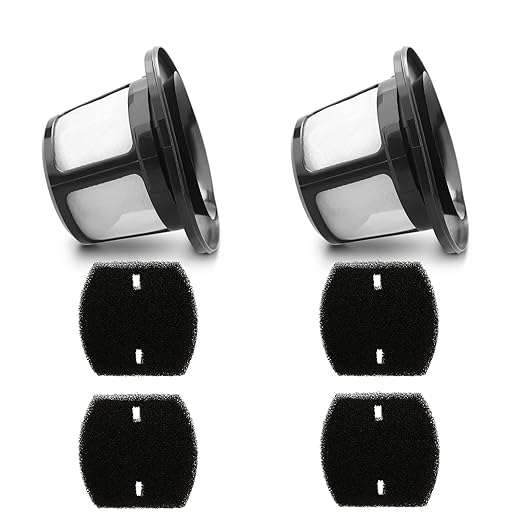
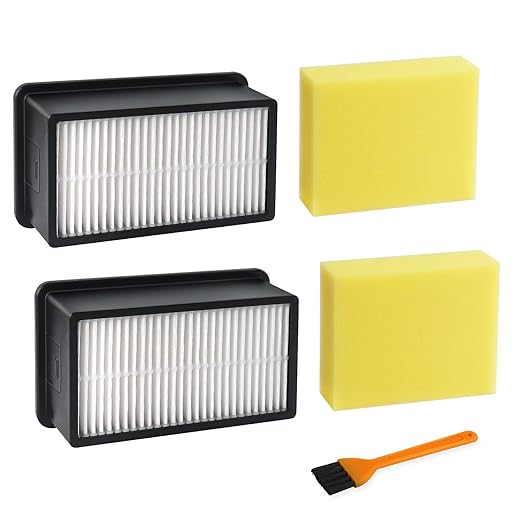
Ensure that your vacuum cleaner is turned off and unplugged before you start cleaning the HEPA filter. This simple step is crucial for your safety, as it eliminates the risk of the vacuum accidentally turning on while you’re working on it. Imagine reaching in to remove the filter only to have the vacuum spring to life—this can lead to injuries or damage.
First, locate the power switch and firmly press it to the off position. Next, unplug the vacuum cleaner from the wall outlet by grasping the plug, not the cord, and pulling it out gently. This ensures that there’s no power running to the machine, giving you peace of mind as you handle the delicate HEPA filter. Always remember, taking these precautions can save you from potential mishaps, allowing you to focus solely on getting that filter clean!

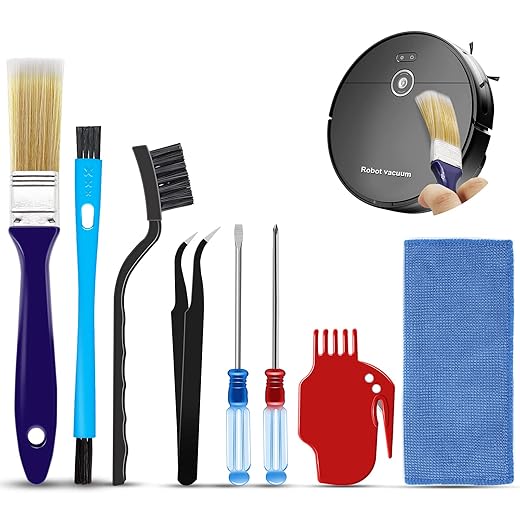

Locate the HEPA Filter
Consult your vacuum cleaner’s manual to pinpoint the location of the HEPA filter. Open the manual and look for a section that discusses filter maintenance or replacement. This part often includes diagrams or detailed descriptions that will guide you directly to the filter’s location.
Check around the dust container, as many models place the HEPA filter in this area for easy access. If you don’t see it there, look for a panel that can be opened or removed—some vacuums have the filter tucked away behind a cover for protection. Identify any clips or latches that need to be released to access the panel. Carefully remove it to expose the HEPA filter.
Remove the HEPA Filter
Carefully detach the HEPA filter from the vacuum. Different models may have distinct methods for removing the filter, so pay attention to your vacuum’s design. Some filters require you to twist them gently in a counter-clockwise direction, while others might need a simple pull to release them. If your vacuum has a locking mechanism, look for a latch or button that needs to be pressed or slid before you can remove the filter. Always handle the filter with care to prevent any damage.
- Check your vacuum’s user manual for specific instructions on filter removal.
- If your filter twists, grip it firmly and turn slowly to avoid breaking it.
- For pull-type filters, grasp the edge and pull straight out without yanking.
- When dealing with a locking mechanism, ensure you fully disengage the lock before attempting to remove the filter.
- Keep an eye out for any tabs or clips that may need to be released prior to removal.
By following these steps, you’ll ensure a safe and effective removal of the HEPA filter.
Tap and Shake the Filter
Gently tap the HEPA filter against a trash can to release any loose dust and debris. Hold the filter firmly and strike it lightly against the edge of the trash can, allowing the dust to fall away. This simple action can significantly decrease the amount of dirt that clings to the filter and makes subsequent cleaning much easier.
Shake the filter lightly from side to side. This will help dislodge any stubborn particles that may be stuck in the fibers. Ensure you do this in a controlled manner to prevent damage to the filter.
- Make sure you work in a well-ventilated area to minimize dust dispersion.
- Repeat the tapping and shaking process until you notice fewer particles falling out.
- Dispose of the accumulated dust and debris in the trash can to keep your cleaning area tidy.
Wash the HEPA Filter
Rinse the HEPA filter under lukewarm water, ensuring that the water flows in the opposite direction of the airflow. This method helps dislodge dirt and debris trapped within the filter fibers, enhancing its efficiency. Here are some tips to keep in mind:
- Hold the filter under a gentle stream of water, allowing it to flow through the filter’s pleats. This action helps remove accumulated dust without damaging the filter structure.
- Avoid using any detergents or soaps, as these can leave residues that may hinder the filter’s airflow and effectiveness.
- If your filter has stubborn particles, gently tap it against the side of the sink to dislodge them, but refrain from scrubbing.
Once rinsed, allow the filter to air dry completely before reinstalling it in your appliance. This step is crucial to prevent moisture from entering your device, which could lead to mold growth or damage.
Maintaining Optimal Filtration Efficiency
In conclusion, keeping your HEPA filter clean is essential for maximizing your vacuum cleaner’s efficiency and extending its lifespan. By incorporating regular cleaning into your maintenance routine, you not only boost your vacuum’s performance but also contribute to a healthier home environment. Remember, a clean filter means cleaner air for you and your loved ones. Happy cleaning!

Hey, I tried following the steps in the guide, but when I went to remove the HEPA filter, it felt stuck and I was worried I might break something! Any tips on how to get it out without damaging my Shark Navigator? Thanks!
Hi there! It’s common for HEPA filters to get a bit stuck, especially if they haven’t been removed in a while. Try gently twisting the filter while pulling it out; sometimes that helps loosen it. Make sure you’re not pulling on any attached components. If it still won’t budge, check if there are any locking mechanisms you might’ve missed. Good luck!
I just wanted to say that after cleaning my HEPA filter on my Dyson V11, I noticed a huge difference in suction power. I also started vacuuming my home with the brush roller off to avoid clogging the filter too quickly. Just a thought for anyone else struggling with filters! 👍
Thanks for sharing your experience! It’s awesome to hear that cleaning the HEPA filter made such a difference. Your tip about vacuuming without the brush roller is a great way to prolong the filter’s life. Keep those tips coming!
Does anyone have recommendations for a good HEPA filter cleaner solution? I wanna make sure I’m really getting all the dust and allergens out of my filter without damaging it. I’ve got a Bissell PowerForce and want to keep it in top shape!
Hey! For your Bissell PowerForce, you can simply use mild soap and warm water to clean the HEPA filter. Just make sure it’s thoroughly rinsed and completely dry before reinstalling it. If you’re looking for a pre-made cleaner, some users have had success with vinegar solutions, but be careful with any harsh chemicals. Happy cleaning!