
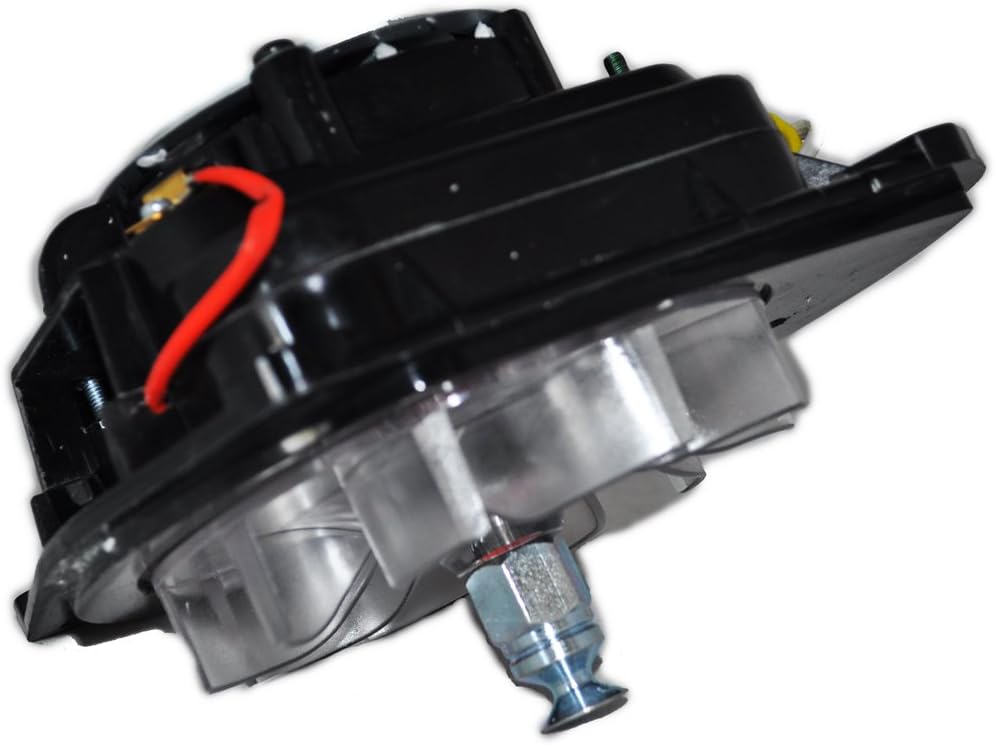
This guide outlines essential steps to prevent overheating in vacuum cleaner motors, ensuring their efficient performance and longevity. It emphasizes the importance of regular maintenance, such as cleaning filters and brushes, checking for blockages in hoses, and ensuring proper airflow. The guide also covers the importance of using the vacuum cleaner within its specified limits and the benefits of allowing the motor to cool down during extended use. By following these steps, users can protect their vacuum cleaner motors from overheating and extend the life of their appliances.
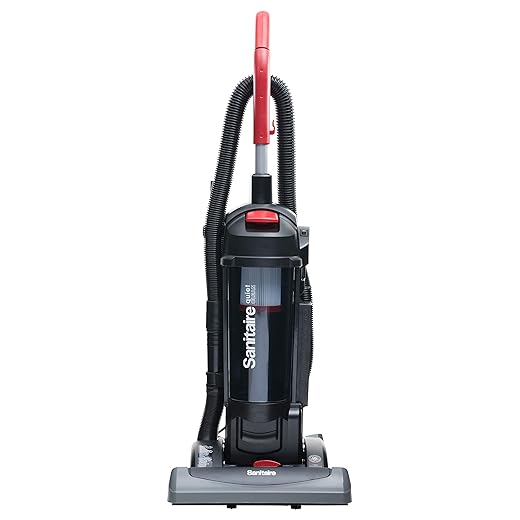

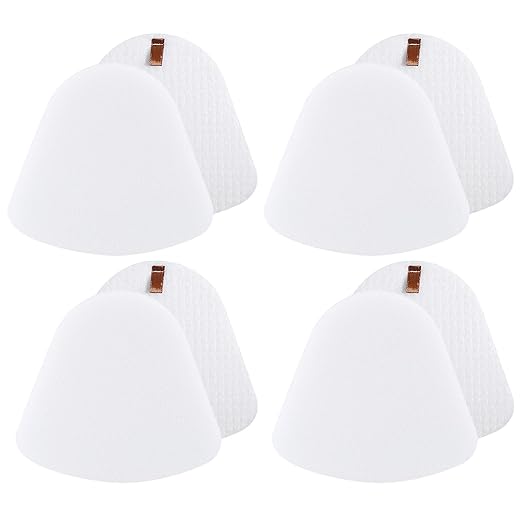
Clean or replace your vacuum cleaner’s filters every 1 to 3 months, depending on usage and the type of filter. Start by consulting your vacuum’s user manual for specific instructions on accessing the filters. Remove the filters carefully, avoiding any damage to the housing. If your filters are washable, rinse them under lukewarm water until the water runs clear, then let them air dry completely before reinstallation. If they are not washable or are heavily soiled, replace them with new ones that match your vacuum model.
Check the filters regularly for dirt and debris accumulation. If you notice a decrease in suction power or an increase in motor noise, inspect the filters immediately. A clogged filter restricts airflow, making your vacuum work harder, which can lead to overheating and potential damage. Keep your vacuum performing at its best by making filter maintenance a priority in your cleaning routine.

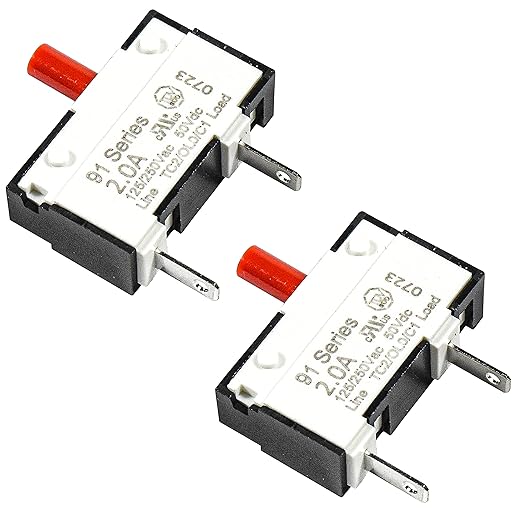
Check for Blockages
Inspect the vacuum hose and brush for any obstructions. Look closely for any debris, such as hair, dust bunnies, or large particles that can restrict airflow. Blockages can cause your vacuum to overheat and underperform, leading to a less effective cleaning experience.
- Examine the hose: Check for kinks or tears. If you spot any, straighten the hose or replace it as needed.
- Remove debris: Use scissors or your fingers to pull out hair and tangled fibers from the brush roll.
- Clear out the nozzle: Inspect the vacuum’s nozzle for clogs. Look inside and use a long object, like a broomstick, to dislodge any stuck debris.
By following these steps, you ensure your vacuum operates efficiently and prolong its lifespan.
Monitor Usage Time
Limit the continuous operation of your vacuum cleaner by scheduling breaks every 15 to 20 minutes. This allows the motor to cool down, preventing overheating and maintaining optimal performance. Set a timer or keep an eye on the clock to remind yourself when it’s time to pause.
During these breaks, unplug the vacuum cleaner and let it sit in a well-ventilated area. This ensures that any heat generated during use dissipates effectively. Use this time to empty the dustbin or check the filters, as a clean vacuum operates more efficiently. By incorporating these brief pauses into your cleaning routine, you will extend the lifespan of your vacuum cleaner and enhance its performance.
Ensure Adequate Ventilation
Check the vacuum cleaner’s ventilation openings regularly for any blockages. Inspect the areas around the intake and exhaust vents, as dust, dirt, or debris can accumulate and restrict airflow. Clear away any obstructions you find, ensuring that the openings are completely free. This simple step can significantly improve the vacuum’s efficiency and help prevent overheating during use.
Operate the vacuum in well-ventilated spaces whenever possible. Ensure that the room has good airflow, avoiding small, enclosed areas that may trap heat. If you notice the vacuum becoming unusually warm while in use, pause for a moment to let it cool down. This will not only extend the life of your vacuum but also enhance its cleaning performance. Always remember, a well-ventilated vacuum runs smoother and lasts longer.
Use the Appropriate Settings
Select the appropriate power setting based on the cleaning task at hand. For lighter tasks, such as dusting or cleaning delicate surfaces, opt for a lower power setting. This helps prevent any damage and conserves energy. When tackling more demanding tasks like deep-cleaning carpets or scrubbing tough stains, switch to a higher power setting to achieve optimal results.
Monitor the motor’s temperature during use. If you notice the motor becoming excessively warm, reduce the power setting to prevent overheating. Adjust the setting as needed to maintain efficiency and ensure the longevity of your device. Always choose the power level that best suits the specific cleaning requirements to enhance performance and safeguard your equipment.
Inspect the Motor Brushes
Inspect the motor brushes closely for any signs of wear and tear. Look for fraying, cracking, or excessive shortening of the brushes. Make sure to clean the brush area to remove any debris or dust that could hinder performance. If the brushes appear worn down to less than a quarter of their original length, it’s time to replace them.
Test the spring tension on the brushes by pushing them against the commutator. Ensure they’re making good contact; if they feel loose or fail to spring back into place, they may need adjustment or replacement. Remember, worn brushes can lead to increased friction and heat, which can ultimately cause overheating of the motor. Keep an eye on their condition during regular maintenance checks to ensure optimal performance.
Perform Regular Maintenance
Schedule regular maintenance checks with a professional. Reach out to a qualified technician who specializes in your specific equipment or vehicle. Set a reminder on your calendar for these appointments, ideally every six months or as recommended by the manufacturer. During each visit, ensure the technician performs a thorough inspection, checking coolant levels, hoses, and belts, as well as any other components that could affect overheating.
Communicate any unusual noises or performance issues you’ve noticed. Discuss any recent changes in how your equipment operates, as this information can help the technician identify potential problems early on. Keep a maintenance log to track these visits and any recommendations made by the professional. This proactive approach will help you stay ahead of any issues, ensuring your system runs smoothly and efficiently.
Key Takeaways and Tips
In conclusion, preventing your vacuum cleaner motor from overheating is all about regular maintenance and mindful usage. By keeping your filters clean, checking for clogs, and letting your vacuum cool down during extended use, you can significantly extend its lifespan and maintain optimal performance. Remember, a little attention goes a long way in ensuring your vacuum cleaner serves you well for years to come. Happy cleaning!
Essential Supplies Needed


I didn’t even think about ventilation! I usually vacuum in my small apartment where it’s pretty crowded. Now I am thinking of opening a window next time I vacuum. Has anyone noticed a difference in performance with better airflow?
Absolutely! Good ventilation can make a big difference. It allows your vacuum to breathe better, especially if it’s running longer. A little fresh air can go a long way! 🍃
I’m thinking about getting a Roborock S7, but I’m worried about overheating. Any tips for keeping a robotic vacuum in tip-top shape?
For robotic vacuums, keep the brushes and sensors clean regularly, and make sure the charging station is clear. Also, try to run it at a cooler part of the day if your home gets hot. Good luck with your Roborock! 🤖
I had a huge success after following this guide! My vacuum used to overheat after 30 minutes, but now I can clean my whole house without any issues. Thanks for the tips!
That’s fantastic to hear! It’s amazing what a few simple changes can do. Keep up the great work, and happy cleaning! 🎉
I’ve been using the eco mode on my Miele Complete C3, and it seems to help with overheating. Anyone else try using different settings to prevent motor issues? What are your experiences?
Great choice! Eco mode is definitely gentler on the motor and still gets the job done. It’s a fantastic way to prolong the life of your vacuum. Keep it up! 👍
I totally agree with the tip about cleaning filters! I have a Dyson V11 and if I skip that for even a week, the suction drops like crazy. I usually clean mine every two weeks and it really helps. Anyone else with a Dyson have tips on keeping it in top shape?
Regular maintenance is key! I give my vacuum a good clean every couple of months and it’s made a world of difference. Anyone else have a specific cleaning routine they follow?
That’s awesome to hear! I usually do a deep clean after every season change. It just feels good to start fresh! How do you usually maintain yours? 🧼
Motor brushes can be tricky! I had no idea I had to check them until my vacuum started sounding weird. I have a Hoover WindTunnel and had to replace the brushes after just a year. How often do you all do this?
It varies, but checking them every 6 months is a good rule of thumb! If you notice any weird sounds or reduced suction, definitely take a look sooner. Thanks for sharing your experience! 🔧
Great guide! But I wonder how much time is too much? My cleaning sessions can stretch to over an hour, and I sometimes worry I’m pushing my vacuum too hard. Anyone have a recommended max time for something like a Bissell CleanView?
It really depends on the model and the type of cleaning you’re doing! Generally, it’s good to take breaks every 30-45 minutes, especially for more powerful vacuums like Bissell CleanView. This helps to prevent overheating! 🌟
I’ve found that checking for blockages is sometimes a pain! I use a Shark Navigator, and once I had a sock stuck in there that I didn’t even notice. Now I take a quick peek before every major cleaning session. What do you all do if you find something stuck?